
Organisations, projects, and who reaches what
An organisation is where your team collaborates. Projects scope the work inside it, roles govern who can change what, and API keys let your own applications in.
Governed
Production controls, from day one
Roles, scopes, keys, and audit are not a later project. They come with the organisation, so the first agent you build is already the one you can put in front of the business.
- Organisation and project scope
- Roles per member
- Keys you can revoke
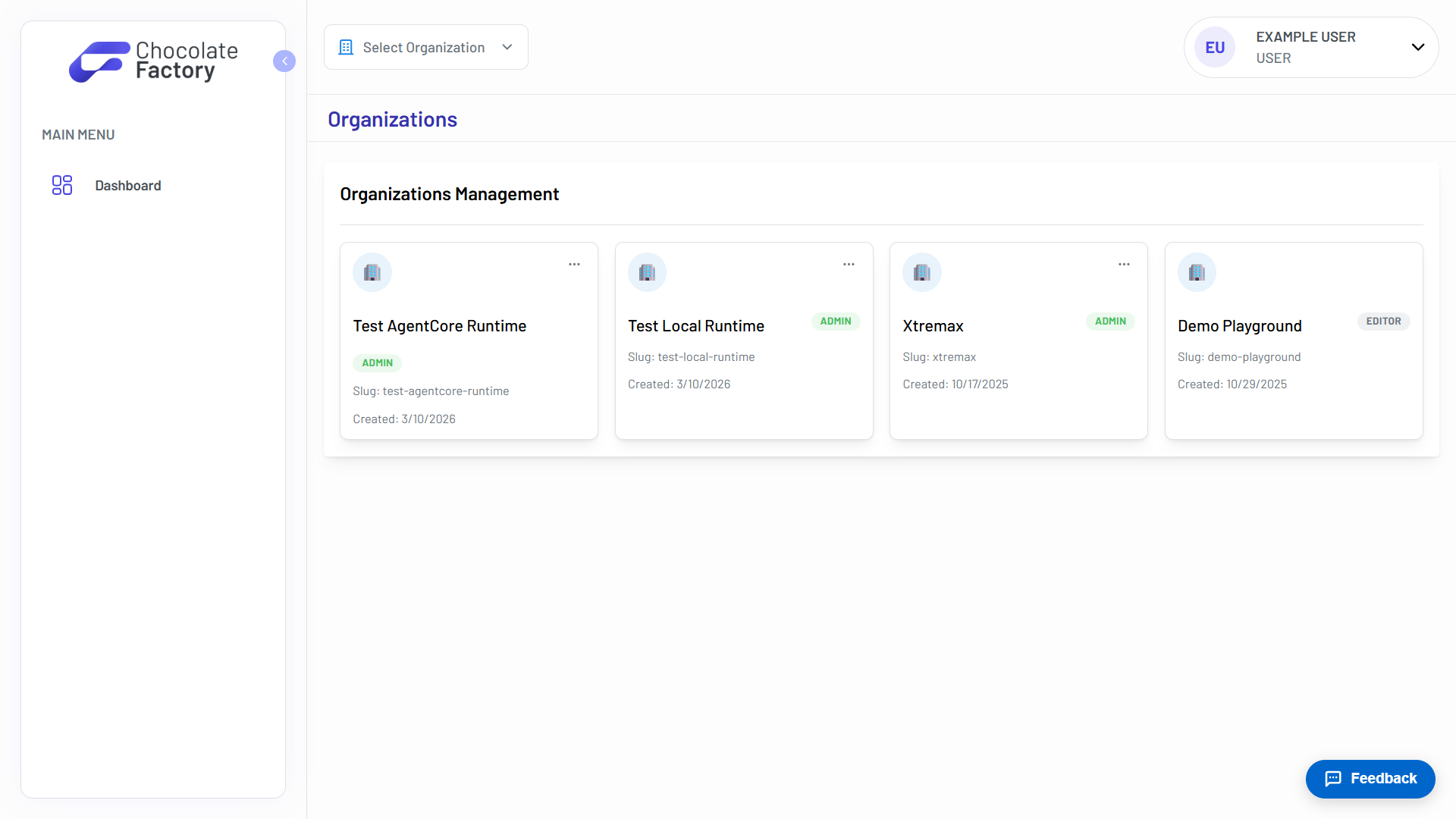
Organisations your team shares
Belong to as many organisations as you need, and switch between them from anywhere in the app. Your role in each is shown on the card: admin, editor, or member.
- Switch organisation from anywhere
- Admin, editor, and member roles
- A slug and creation date per org
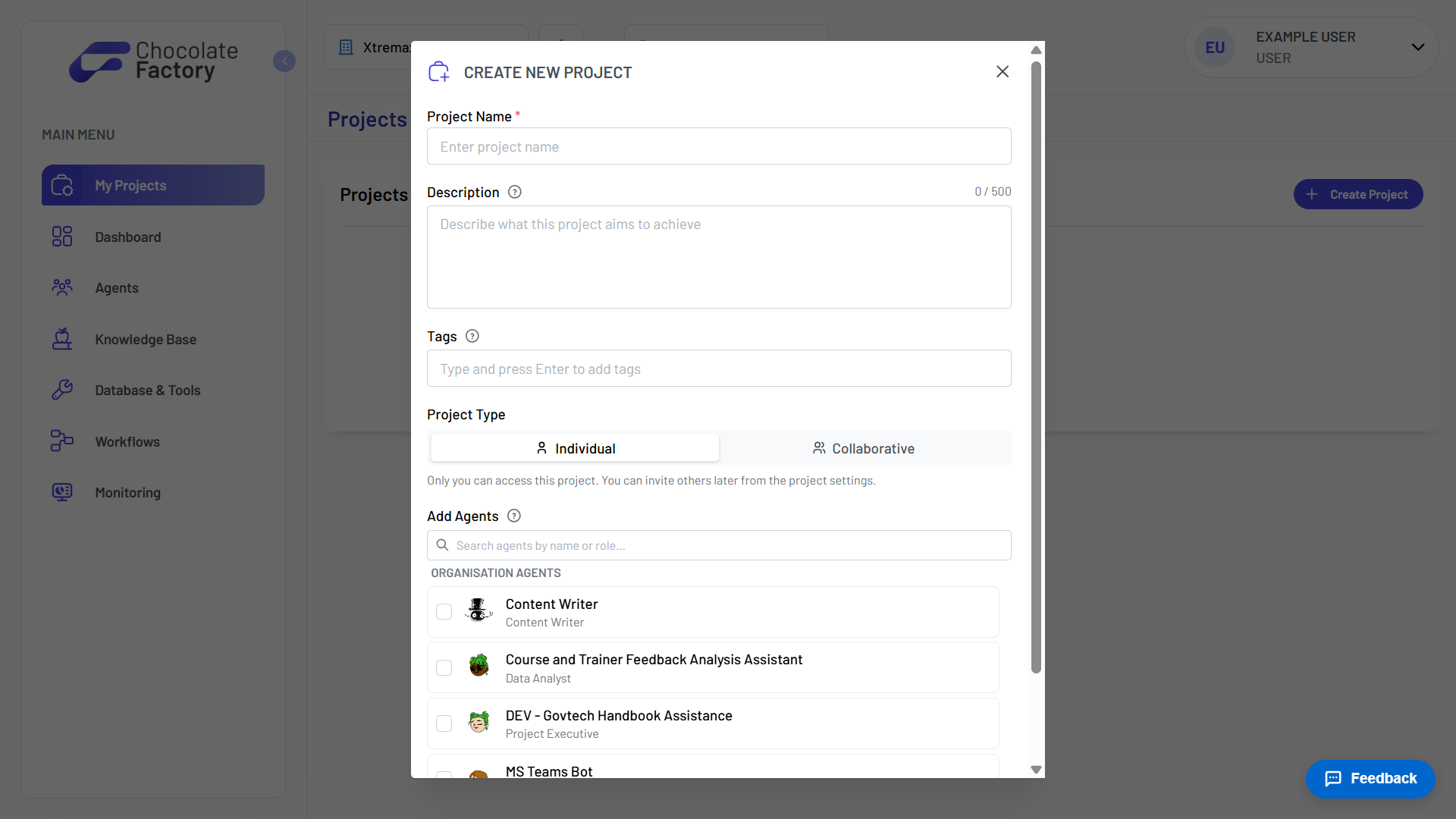
Projects scope the work
A project gathers the agents working on one problem. Make it individual and it stays yours; make it collaborative and invite the team. Assign agents as you create it.
- Individual or collaborative
- Assign organisation agents on creation
- Tags and a described purpose
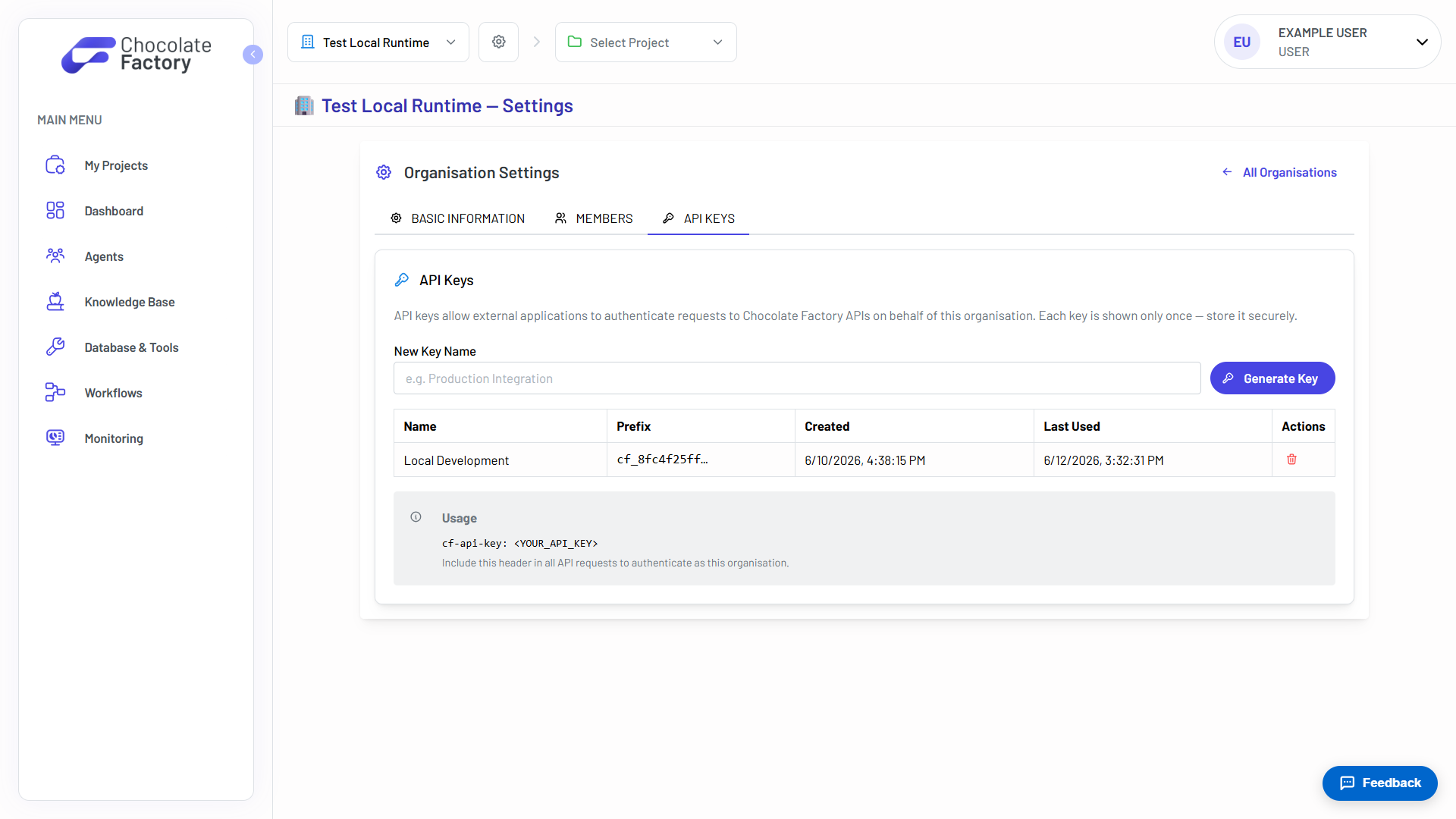
API keys, shown exactly once
Generate organisation-level keys so external applications can authenticate against the Chat and Execute APIs. Each key is displayed a single time. Store it before you close the dialog.
- Scoped to the organisation
- Shown once, then only by prefix
- Created and last-used timestamps
- Revoke any key at any time
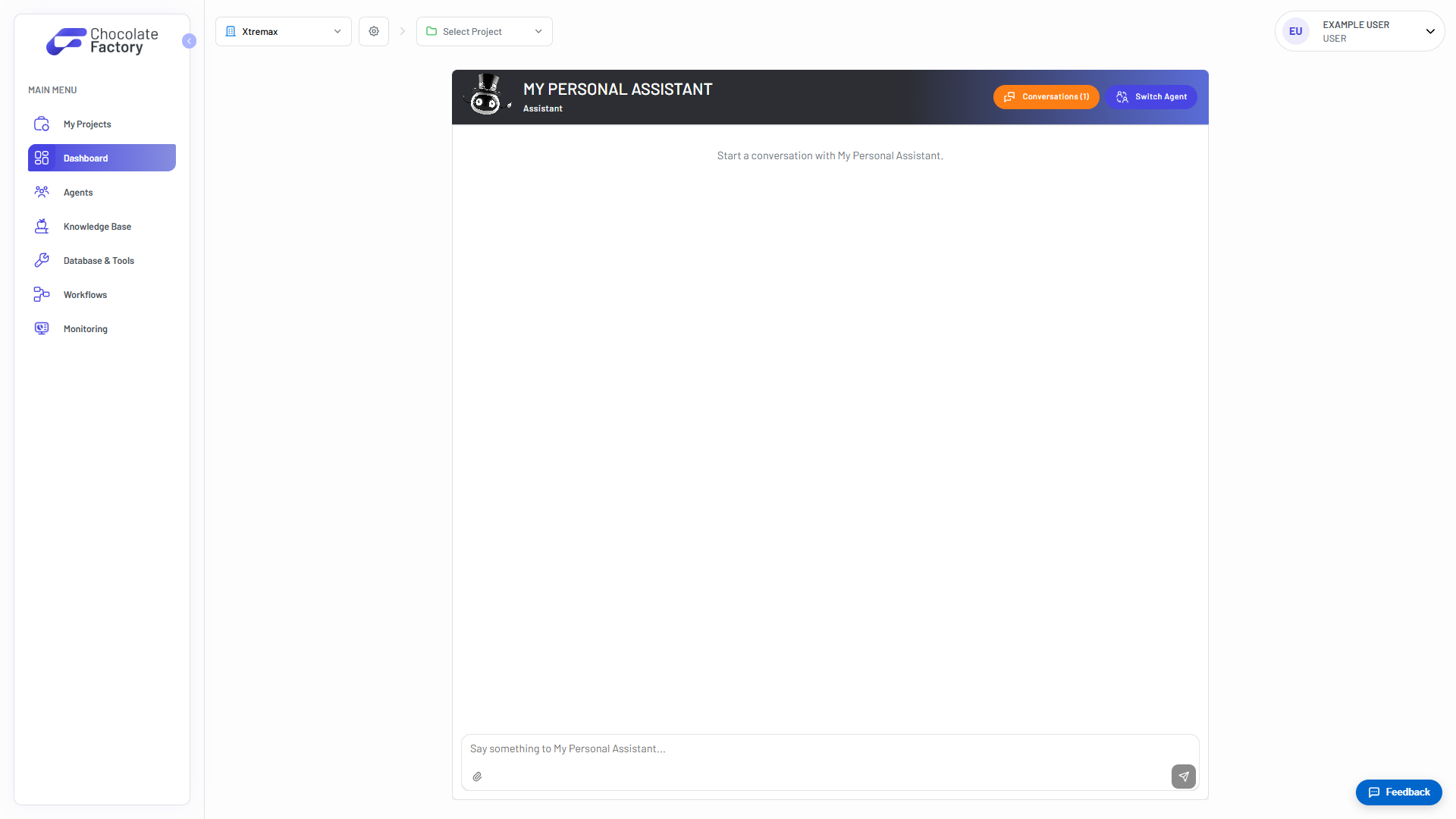
One place to start
The dashboard puts your agents a click away. Projects, agents, knowledge bases, databases, workflows, and monitoring all sit in the same left rail.
- Chat from the dashboard
- One rail for every surface
- Organisation and project pickers, always present
See Workspace in action
Spin up your first agent, or walk through Chocolate Factory with our team on a live demo.